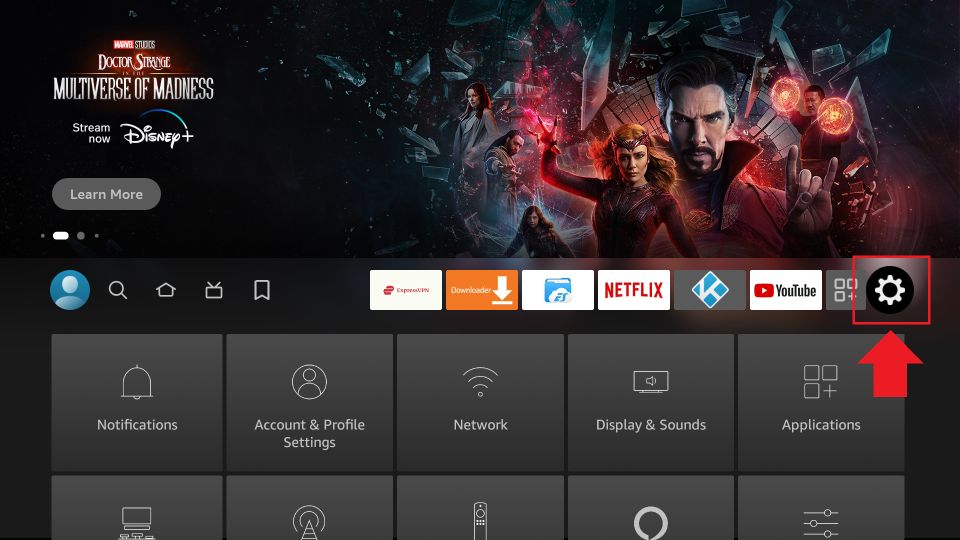
1. Select FireStick Settings
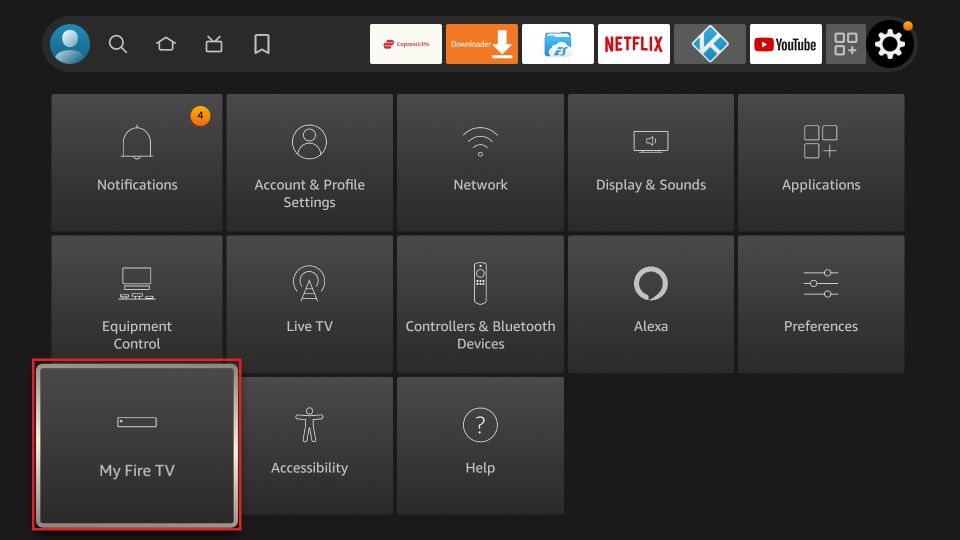
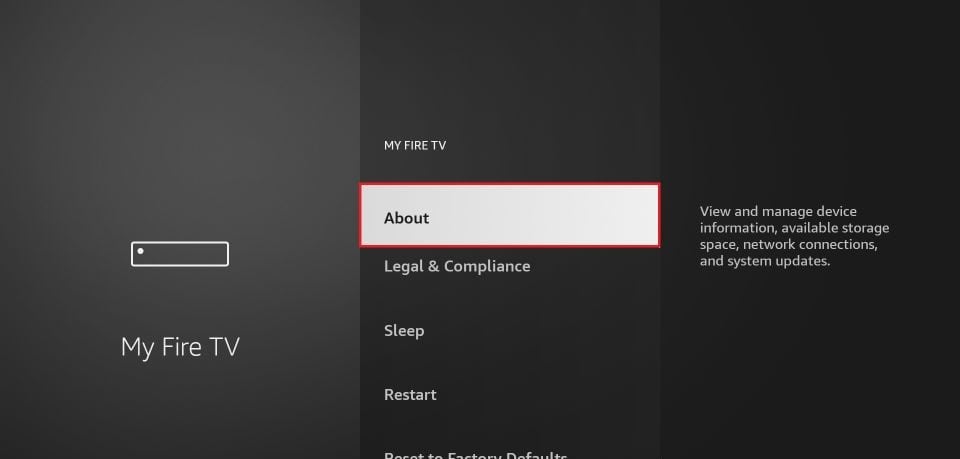
2. Click My Fire TV
3. Click About (only if you DO NOT see Developer Options on this screen).
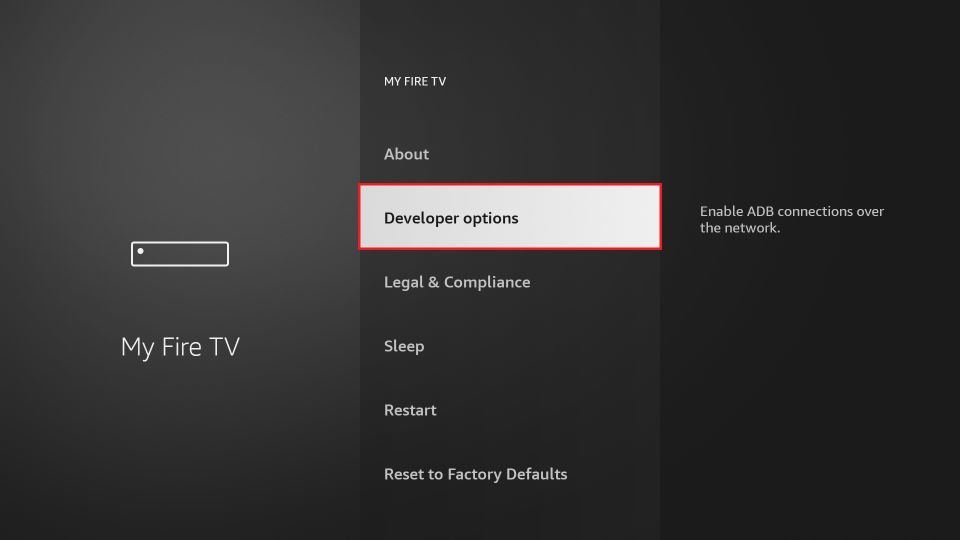
4. Go to Fire TV Stick and click the OK button on your remote 7 times quickly to become a developer.
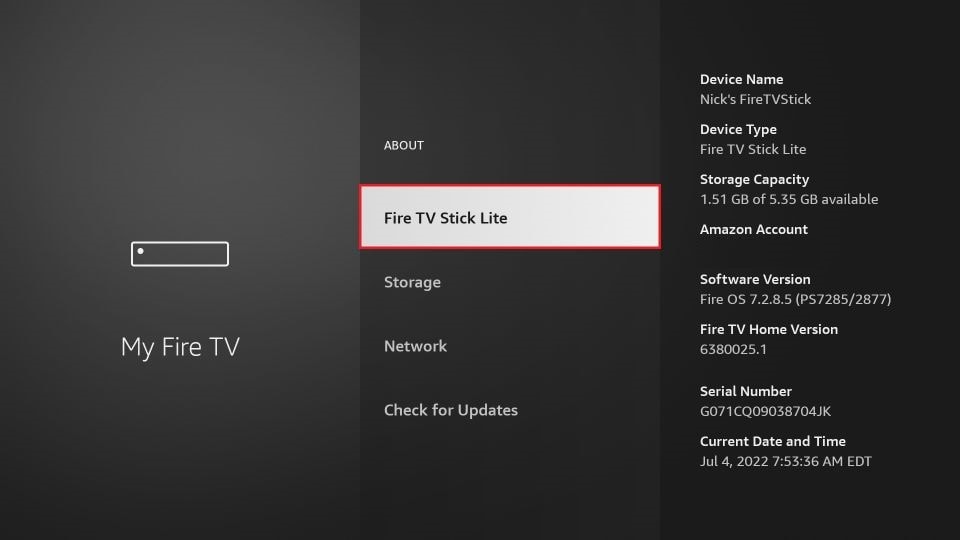
5. Congrats! Now just press the back button once to go to Settings > My Fire TV and you will now see Developer Options.